
What Is an AAC Device and Who Uses One?
If you are asking what is an AAC device, the short answer is a tool or system that helps someone communicate when speech alone does not meet their needs. AAC means augmentative and alternative communication. It can add to speech, offer another way to express a message, or do both. An AAC device is not defined by one screen, one app, or one way of using it.
What does AAC mean?
Augmentative communication supplements speech. Alternative communication provides another way to communicate when speech is not available or reliable for a particular message or situation. A person may use speech, gestures, facial expression, writing, a communication board, and a speech-generating device in combination. AAC does not require someone to stop speaking or to use the same method all day.
Communication needs vary. A person might use AAC to make choices, share an opinion, ask a question, tell a story, take part in class, or communicate with a caregiver. The purpose is meaningful communication in real situations, not simply operating a piece of technology. The definition is intentionally broad because the communication method should fit the person and the moment.
What is an AAC device?
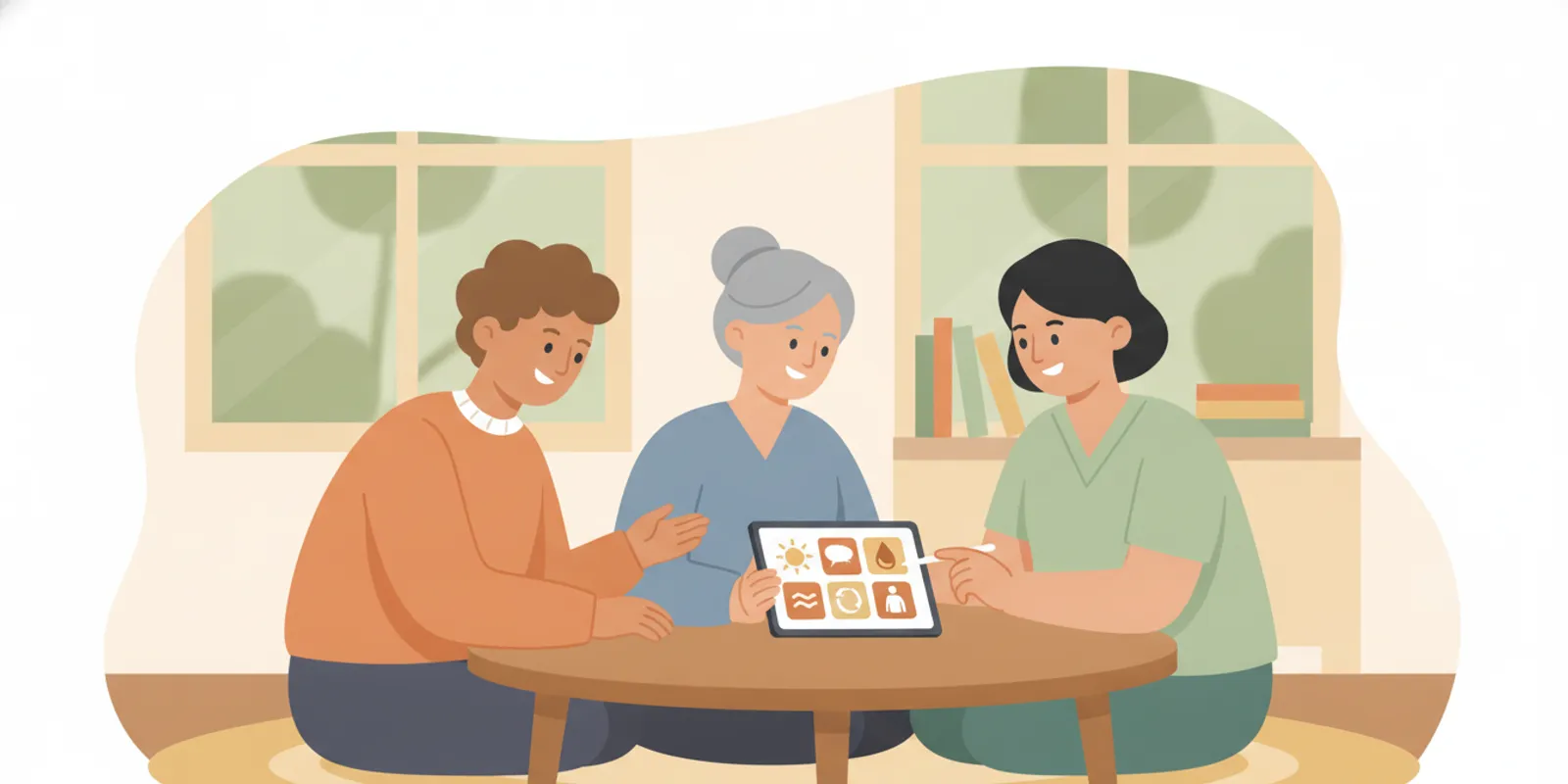
An AAC device is a physical or digital aid used to support communication. Some tools are low-tech, such as a printed board with letters, words, or symbols. High-tech options can include a tablet or dedicated speech-generating device (SGD) that produces spoken output when a user selects or creates a message. A dedicated device may be configured for communication and access needs, while a general-purpose tablet may run communication software.
The phrase “AAC device” is often used broadly, but the exact setup matters. The device, software, vocabulary, access method, mounting, and sound output are related parts of a communication system. Compatibility varies, so a feature available on one model or application should not be assumed to work on every configuration.
It can help to separate the physical equipment from the communication system as a whole. A screen is only one possible way to present language. The vocabulary and layout affect what the user can express; the access method affects how they make selections; and positioning, sound, and availability affect whether communication is practical in a particular setting. A person may also keep a paper board or another backup method close by.
Who may use an AAC device?
People of different ages and with different communication needs may use AAC. A person may use it temporarily, in particular settings, or as part of ongoing communication. Some people speak but benefit from another way to communicate when tired, under stress, or in an environment where speech is difficult to understand. Others rely on AAC for most or all of their communication.
There is no single profile that determines whether AAC is appropriate. An evaluation considers the person’s abilities, preferences, daily environments, communication partners, and goals. The person using AAC should be included in decisions as much as possible. Families, educators, speech-language pathologists (SLPs), and assistive-technology professionals may all contribute observations and support.
It is useful to begin with situations rather than labels. For example, a student may communicate effectively with familiar partners at home but have difficulty being heard during a busy classroom activity. An adult may use speech in a quiet conversation and need another method when fatigue or a noisy environment makes a message harder to convey. These examples do not determine which tool someone needs; they show why the team should ask where communication works and where it becomes difficult.
What kinds of AAC devices and tools are there?
A useful starting distinction is whether a tool needs power and produces speech. Low-tech tools can include letter boards, printed picture or word boards, and communication books. These can be useful on their own or alongside a high-tech option. A speech-generating device uses selected symbols, words, or letters to create audible speech. Some systems also support written communication or other functions, depending on the software, device, and configuration.
Option | How it may work | Questions to explore |
Low-tech board or book | The user points, looks, or otherwise indicates a letter, word, or symbol. | Can it be reached and understood in the situations where it is needed? |
Tablet with AAC software | Communication software presents vocabulary or a keyboard; some selections generate speech. | Does the device and app support the needed access, durability, sound, and vocabulary? |
Dedicated speech-generating device | A configured device produces spoken output from user selections or messages. | Which access method, positioning, software, and support are appropriate? |
Multiple tools together | The person uses different options for different people, places, or circumstances. | How will communication remain available if one tool is not practical? |
This table is a broad orientation, not a recommendation. A clinician and the AAC user can consider specific needs and available options. Explore AAC devices and accessories as one way to understand the kinds of components that may be involved.
How does someone communicate with an AAC device?
People access AAC in different ways. A person may touch a screen, use a switch, point to a board, use a head mouse, or use eye-gaze access, depending on their abilities and the system being considered. Some people use more than one method. Access includes more than making a selection: the team may look at positioning, fatigue, accuracy, timing, and whether the method works across daily settings.
On a speech-generating device, a user may choose symbols or words from a vocabulary display, type a message, or combine methods. The software determines what language options are available, while the person’s communication goals help guide how the system is organized. Vocabulary should be useful for the person’s life, not limited to requests or a single routine.
Consider a simple example: during a meal, a user may want to comment on the food, ask for something, refuse an item, or shift the conversation to a different subject. A system designed only around requesting may not make all of those messages easy to reach. During evaluation and practice, the team can notice which messages the person attempts, which are hard to access, and whether the layout supports more than predictable exchanges. These observations can guide discussion about vocabulary and organization without assuming a particular grid or app is right for everyone.
Communication partners also matter. A partner can allow time, listen, respond to the message, and support access without taking over. Learning a device can involve practice for both the user and the people around them. A device does not communicate on someone’s behalf; it provides a means for that person to express messages.
What should an AAC evaluation explore?
An evaluation is an opportunity to understand what the person wants to communicate and what makes communication easier or harder. It can consider current communication methods, language and literacy, movement and sensory access, vision and hearing needs, positioning, environments, and partner support. The relevant questions depend on the individual; no single checklist substitutes for individualized assessment.
- Communication goals:
What messages and interactions matter to the person at home, school, work, and in the community?
- Access:
Can the person reliably use touch, a switch, eye gaze, or another method in their typical position?
- Vocabulary and language:
Does the system support messages the person wants to express, including new and personally meaningful ideas?
- Practical use:
Can the device be positioned, heard, transported, and supported in the relevant environments?
- Partners and training:
Who will communicate with the person and help make the system available and usable?
These are discussion prompts, not a pass-or-fail test. A team can observe different setups and revise its understanding as it learns what works for the person. For more on comparing needs with system features, read AAC device options and the feature-matching discussion.
Preparation can make the conversation more concrete. The user, family, or clinician might write down a few recent moments when communication went smoothly and a few when it broke down. Include what the person was trying to say, who was present, the setting, the method used, and what made the exchange easier or harder. Keep the notes descriptive. A note that the board was on the other side of the room is more useful than a note that the board did not work. A short record of real situations can help the evaluation focus on practical questions.
What can a trial show?
A trial can provide practical information about access, positioning, vocabulary, communication partners, and use in the settings where communication happens. It can help a team identify questions or adjustments to explore. A trial does not guarantee that a particular device will be funded, purchased, or suitable for every situation. Observations should be tied to the person’s goals and shared among the people supporting the evaluation.
Before a trial, agree on what the team wants to learn. Rather than asking only whether the person “likes” a device, identify observable questions: Can the person reach the controls from their usual position? Is the speech output audible in the room? Can they find vocabulary needed for common and less predictable messages? Can the system be transported and made available when needed? Does the access method remain usable over the length of an activity? A trial is more informative when the team records both successful moments and barriers.
For example, a brief practice in a quiet room may show that a user can select items accurately. A classroom observation may raise questions about mounting, sound, partner pacing, or the time needed to navigate. The difference does not automatically mean the system is unsuitable. It tells the team to examine the context and decide what adjustment, additional practice, or comparison would answer the remaining question. Trials are opportunities to collect information, not pass-or-fail demonstrations.
Trial routes are not all the same. A licensed SLP may borrow equipment for evaluation sessions; the equipment remains with the SLP, and the standard loan term is up to four weeks. A home trial is a separate route initiated by the user’s SLP after an insurance benefits check. The stated 24–48-hour code timing begins after coverage is confirmed, not when a device ships. An evaluation kit is also distinct: it is a conditional, no-cost loan of selected accessories for eligible SLPs or facilities that already have an iPad. It is not ownership or a free loan of an SGD.
Learn about the available device trial pathways and ask the evaluating professional which route, if any, fits the situation.
How are funding and purchase different?
Choosing or trialing a communication system and arranging payment are separate steps. For a funded purchase, the process can involve a benefits check and payer-specific documentation. Coverage rules vary by payer and location, and a benefits check is not a promise that a device or feature will be covered. For direct-pay buyers such as schools or other institutions, the process is sales-assisted quoting rather than public self-checkout.
Forbes AAC offers funding information and a Funding Portal for relevant documentation and packet steps. Before relying on a funding assumption, confirm the device configuration, payer requirements, and current process with the appropriate specialist. Avoid treating a general label or a device’s technical capability as proof that every feature is covered or available in a funded configuration.
For a direct-pay institution, a useful first step is to describe the intended setup and the purchasing context rather than asking for an unconfigured price alone. A school, hospital, or loan library may need to identify the user or program, the device platform under consideration, relevant access components, and the purchasing process required by the institution. The sales-assisted quote route helps clarify the requested configuration; it should not be confused with a public cart or a commitment to a particular model.
For a funded path, keep the clinical evaluation and payer documentation questions distinct. The evaluator considers communication and access needs. The funding process addresses the payer’s documentation and coverage rules. Those processes may inform each other, but approval is not assured simply because a device was trialed or because a feature appears in a product description. If a detail is uncertain, ask the appropriate specialist to verify model and payer requirements before making plans around it.
How can the team keep communication person-centered?
Start with the person’s preferences and daily communication, rather than choosing technology based only on a diagnosis or a feature list. Ask what the person wants to say, who they want to communicate with, and where communication is most important. Make time to observe different setups where possible, and record specific examples rather than relying on vague impressions.
Include communication partners in learning, while keeping the person using AAC at the center. Partners can model how to use the system, respond to messages, and ensure the tool is accessible without requiring a particular response. Review the plan when needs, environments, or access change. A flexible communication plan can include a high-tech device and low-tech backup options.
Person-centered planning also means making room for refusal, humor, questions, social connection, and messages that are not part of a lesson or care routine. The team can ask the person how they prefer others to wait, offer assistance, or respond when a message is unclear. If a communication partner is unsure, they can acknowledge that and ask whether the user wants to repeat, clarify, or try another method. Respectful support preserves the user’s control over the exchange.
It may help to plan for everyday availability. Who carries or positions the system? Where will it be stored when it is not in use? How can it be reached during transitions between rooms or activities? What backup method is available if the main system is charging, being repaired, or not practical in that moment? These are planning questions for the team, not evidence that any one device is right or wrong.
For additional background and support resources, visit the AAC resources page.
What questions should the team bring to the next discussion?
A short, shared list can help the user, family, SLP, and other professionals use their time well. The questions below are starting points; the person’s priorities should determine which ones matter most.
Which communication situations are most important to address first, and what does the user want to be able to say in them?
What methods already work, and when does access become difficult or unreliable?
Which access methods should be explored, and what positioning or mounting might affect them?
Does the vocabulary allow the user to make requests, refuse, comment, ask questions, and create messages beyond familiar routines?
What should the team observe during a trial, and who will record examples in each setting?
Which people need practice or guidance so the communication system is available and respected?
Are funding, direct-pay purchasing, equipment loans, or an evaluation kit being discussed, and what are the eligibility and process details for each?
When will the team review what it learned and decide whether to adjust, compare, or continue?
It is reasonable to leave an evaluation discussion with open questions. A team can identify what it knows, what it still needs to observe, and who will follow up on each item. That gives the user a clearer role in the process and helps prevent a device description, a short demonstration, or an assumption about coverage from standing in for individualized evaluation.
Frequently asked questions
Is an AAC device only for someone who does not speak?
No. AAC may supplement speech, provide another way to communicate in some situations, or serve as a primary communication method. The person’s needs and preferences guide the approach.
Does using AAC prevent speech?
AAC is a way to support communication; using it does not mean a person must stop speaking. A person may use speech and AAC together in ways that suit the situation.
Is every AAC device a tablet?
No. AAC includes low-tech boards and books as well as electronic options. Speech-generating devices may look like tablets, but the device, software, access options, and configuration vary.
Who decides which device to use?
The AAC user should be central to the decision. An SLP and other relevant professionals can evaluate communication and access needs with the user, family, caregivers, and educators.
An AAC device is one part of a broader communication plan, and the most useful next step is to explore options with the person and the professionals supporting their evaluation.


Comments