
AAC Device for Aphasia: Questions to Ask

An AAC device for aphasia is a tool a speech-language pathologist (SLP) may trial when spoken language is hard to use after a stroke, brain injury, or other neurological change. Aphasia affects language, not intelligence, and no single device is the right fit for every person. The useful work is a short list of questions about messages, reading, access, and daily partners. Those questions get answered in an evaluation, not on a checkout page.
This guide is for adults living with aphasia, the families who sit beside them, and the SLPs who run the evaluation. It compares questions, not products. It does not diagnose aphasia, rank devices, or promise that speech will return. Forbes AAC is a U.S. developer and manufacturer of speech-generating devices, software, and educational resources. A specialist can demonstrate equipment. The clinical decision stays with the evaluating SLP.
What an AAC device for aphasia is asked to do
Augmentative and alternative communication (AAC) is any method that adds to or replaces speech. For aphasia, that often means more than one method at once. A spoken word when it is available. A gesture or a written word when it is not. A speech-generating device when those are not enough. The device is a backup and a bridge. It is not a verdict that speech therapy should stop.
People ask for a device because a specific moment keeps failing. Ordering at a restaurant, calling a nurse, answering a grandchild, and correcting a wrong guess are different jobs. A page built for one of those jobs can be useless for another. Name the moments before you name a model.
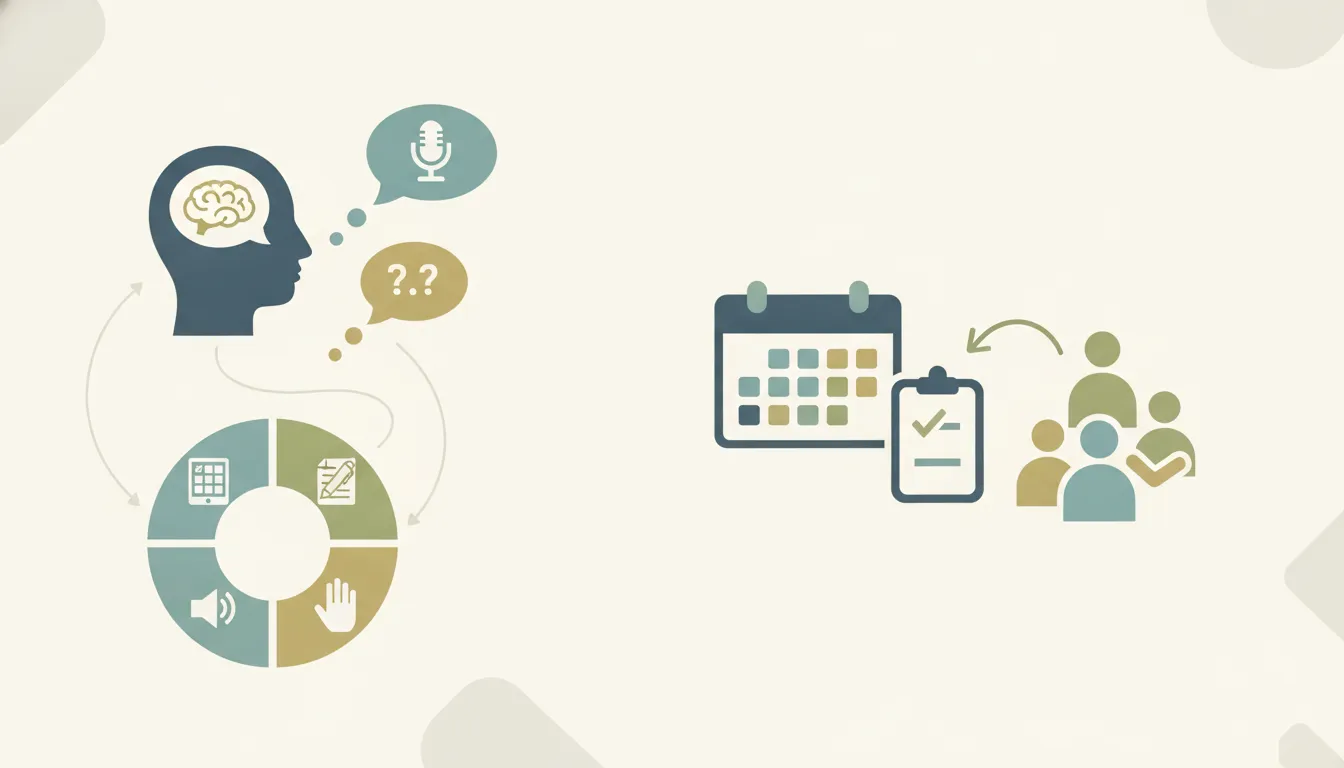
Two broad layouts show up in aphasia trials:
- Symbol or picture pages
group messages the person can point to or touch. They help when reading a full sentence is slow or unreliable.
- Text and keyboard pages
let the person type, pick a stored phrase, or speak a sentence they can still write. They help when spelling and reading are relative strengths.
Many people need both. They also need a way to say yes, no, wait, and that is not what I meant. CoughDrop is one Forbes option for cloud-synced boards that can follow a person across compatible phones, tablets, computers, and dedicated devices. After a sync, main boards can work offline. That cross-device path is not a promise that every feature or license is identical on every operating system.
CoreWord offers core words, fringe words, and phrase banks in several page sizes, including high-contrast layouts. A smaller grid can be easier to see and to hit. A larger grid can hold more personal messages. The SLP matches the grid to the person. Forbes does not claim that one layout is clinically better than another.
Questions that separate evaluation from buying
Families often arrive ready to purchase. An evaluation is a different step. It asks whether a tool helps this person, in this body, with these partners, before anyone commits to a funded device or a direct-pay quote. Buying too early locks in a screen size, an app, and an access method that the trial might have changed.
Ask these questions before anyone talks about an order:
Who is leading the evaluation, and will that SLP see the person use the tool, not only hear a description of it?
Which real messages failed last week, and can we put those messages on the trial page?
Is this a clinician-held loan, a home trial, or a request to purchase?
What will we watch for during the trial, and who writes down what worked?
If the first setup is wrong, can the app, grid, or access method change without starting over?
Forbes keeps those paths separate. A licensed SLP can borrow equipment for an evaluation, typically for up to four weeks, and that device stays with the SLP. It does not go home with the family. A home trial is different. The person's SLP starts it only after an insurance benefits check. Once coverage is confirmed, Forbes emails a benefits-check code and next steps within 24 to 48 hours. That clock is not a shipping promise. It is also not permission for a family to open a home trial on their own.
A parent-facing invitation to try a device is a way to reach a specialist. It is not a free device, and it is not an unconditional home trial. The loan library explains both the clinician loan and the SLP-started home trial. A team that already owns an iPad and a communication app can ask about a no-cost evaluation kit. The kit can add a speaker, a handle, and a limited keyguard for an eligible SLP or facility. That kit is a loan of accessories, not ownership of a speech-generating device.
Language questions to ask before choosing a page
Aphasia is not one pattern. One person may understand conversation and struggle to find words. Another may speak in fluent sentences that are hard for listeners to follow. A third may read single words and miss a paragraph. The page has to follow the pattern the SLP has already observed. A device demo that only shows a pretty grid does not answer that.
Bring observations, not a diagnosis you found online. Useful notes are short and concrete. She reads menu items but cannot say them. He points to photos and misses printed words. She can type her name and gets lost in a long sentence. Those notes tell the SLP whether to trial pictures, text, or both.
Question to ask | Why it changes the trial | What to avoid deciding too early |
Which words still come out reliably? | The device should fill gaps, not replace speech that already works. | A system that forces every message through the device. |
Can the person read single words, phrases, or paragraphs? | Reading strength points toward text, stored phrases, or a keyboard. | A text-only page when reading is the harder skill. |
Do photos and symbols help, or do they confuse? | Some adults prefer real photos of their own people and places. | A children's symbol set that feels insulting or unclear. |
What must be said in the first week? | Pain, names, yes, no, and a way to say something else belong on page one. | A huge vocabulary that hides the messages used every day. |
Who will update the page? | A board only stays useful if someone can add new names and places. | A setup no partner can edit after the visit ends. |
Personal messages matter more than a long generic word list. The names of grandchildren, the coffee order, a prayer or team that matters, and the phrase I need a minute often do more than a catalog of nouns. Ask the SLP how those items get onto the page. Also ask how a partner models them during real conversation.
Partner habits are part of the language question, but they are not this article's focus. Forbes already explains communication partner training for AAC and aphasia. Use that piece when the question is how family members practice. Use this one when the question is which device features to trial.
Access, hardware, and message questions
Language is only half of the match. The other half is whether the person can reach the message. After a stroke, one hand may be weak, vision may be cut on one side, and fatigue may end a session early. A page that works at a desk can fail in bed or in a wheelchair.
Ask the evaluator to watch the person select, not only to talk about selection. Touch is the starting point for many adults. A keyguard can make targets easier to hit. Switch scanning, a head mouse, or eye gaze are options when touch is unreliable. Those methods are not a ladder the person has to climb. Alternative access methods vary by device, and an eye-gaze module is not included on every model.
Hardware questions worth writing down:
How large do the targets need to be, and does a bigger screen help or add weight?
Can the person see the screen in the rooms where communication actually happens?
Does the speaker need to come off the device and sit closer to the listener? A removable speaker such as SoundPOD is one Forbes option on listed models.
Will the device live on a table, a wheelchair, or in a bag? Mounts are quoted separately, and not every compact model can be mounted.
How long must the battery last on a typical day away from home? Published runtime figures are test conditions, not a guarantee for every setup.
Forbes offers two device families, and the app choice follows the family. ProSlate is the iOS family, in several screen sizes, including an eye-gaze variant on the larger model. It markets most compatible AAC apps, not every app in a store. WinSlate is the Windows family, with model-specific touch, switch, head-mouse, and eye-gaze options. Some email, text, and Skype functions on WinSlate need a separately sold feature unlock key. Spark, powered by MindExpress, runs on WinSlate. A free clinician download is not a free license for the person using the device.
Dedicated, or D, speech-generating devices that are funded as medical equipment can ship with non-covered features restricted. Do not assume a funded device will include every app, web page, or texting tool shown in an unlocked demo. Ask the specialist which functions stay on the configuration being quoted.
If the person also has a progressive motor disease such as ALS, read the guide to AAC devices for adults with ALS for access questions specific to that diagnosis. This aphasia article does not repeat that setup. Adults who need a short index of adult device resources, rather than an aphasia question list, can start at adult AAC resources.
How a trial visit should answer the questions
A useful trial is small and observed. Pick two or three real messages. Put them on the page in the form the person can already use, whether that is a photo, a single word, or a short typed line. Then try the same messages with a familiar partner in the room.
Watch for four things:
Can the person find the message without someone else driving the device?
Does the partner wait long enough, and do they accept the device message?
Does the layout still work when the person is tired, seated differently, or in a noisier room?
Can someone on the team add one new message before the next visit?
Write the answers in plain language. A useful note says he selected three personal photos with his left hand and then abandoned the keyboard. That is more useful than a note that only says the device was a success. One session is rarely the whole answer. The SLP may change grid size, photo style, or access and then trial again.
Forbes assistive technology specialists can demonstrate equipment in a clinic and, in some cases, at home. They can also help the SLP think through mounts and access. They do not replace the SLP, and a demo is not a completed evaluation. Phone support for technical questions is available weekdays from 8 a.m. to 5 p.m. Eastern at 419.589.7688. Inside sales uses the same number. A local specialist is not guaranteed in every territory.
SLPs who want feature-matching worksheets, rather than this question list, can use Forbes assessment resources. A separate series on the blog walks through access, language, voice, and portability features one at a time. Those posts are the taxonomy. This post is the conversation that happens before a feature chart gets filled in.
What happens after the questions have answers
When the trial shows a fit, the next step is still not a shopping cart. Covered buyers and direct-pay buyers take different routes, and Forbes does not publish device prices.
If insurance, Medicare, or Medicaid may be involved, the SLP uses the funding path and the Funding Portal. The packet depends on the payer and the state. A benefits check is not an approval, and Forbes cannot promise coverage, a copay, or a timeline. Confirm the current forms with the funding specialist instead of relying on an old download.
Schools, VA hospitals, loan libraries, and other buyers paying directly request a sales-assisted quote. That quote names the model, the app or language system, the keyguard, and any mount. It is not a public checkout.
Ask these closing questions once a direction is clear:
Which exact model, app, and access method did the trial support?
Which features are restricted if this unit is funded as a dedicated device?
Who trains the family, and is a later visit included or billed?
What does the warranty cover for this model, and what does the person pay to send it in?
Who edits vocabulary after delivery, and how do they reach support on a weekday?
The first applicable home visit to set up a wheelchair mount can be free. Later visits may cost extra. Do not assume every home visit or every environmental-control install is included. Warranty terms differ by model and by purchase date. Ask for the written warranty on the configuration being quoted rather than a general five-year claim.
Frequently asked questions
Does every adult with aphasia need an AAC device?
No. Some people communicate well with speech, gesture, writing, and a paper board. An SLP looks at the messages that fail and trials a tool only when it adds something those methods do not. A device is one option, not a requirement for aphasia therapy.
Can a family start a home trial without an SLP?
No. A Forbes home trial is started by the person's licensed SLP, and only after a benefits check confirms coverage. A clinician loan is a separate path and stays with the SLP. Families can ask a specialist how to connect with an evaluating clinician.
Is a tablet app the same as a dedicated speech-generating device?
Not always. An app on a personal tablet can be part of a trial. A dedicated device may be required by a payer, and non-covered features can be turned off on that funded unit. The SLP and the funding specialist should say which path matches the evaluation.
Will an AAC device replace speech therapy?
It should not. The goal is a way to communicate while therapy continues to build on the language the person still has. Many people use speech, writing, gesture, and a device in the same conversation.
Who decides which page and which device to trial?
The evaluating SLP leads that decision with the person and their partners. A Forbes specialist can show ProSlate, WinSlate, software, and access options and can explain loans. The specialist does not diagnose aphasia or override the clinical evaluation.

Comments